# npm 使用记录
- npm 版本升级
npm install -g npm |
- npm 版本降级 (6.14 就是你想要降的版本)
npm install npm@6.14 -g |
- npm 清理缓存
npm cache clean -f |
# vue 通过 nginx 部署 404 问题
效果图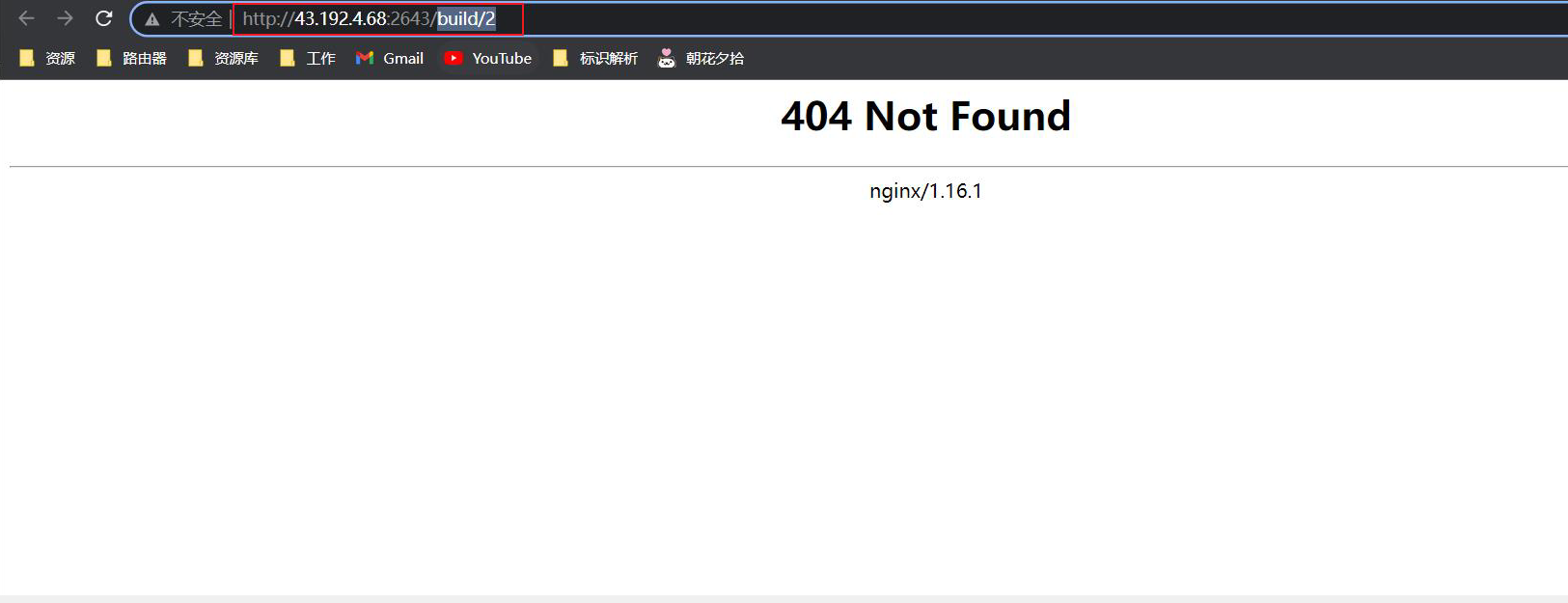
- PS : 之所以出现上面的现象,是因为在 nginx 配置的文件下面压根没有 'build/index' 这个真实资源存在,这些访问
资源都是在 js 里渲染的。
- 问题: 出现 404 的原因是由于在这个域名根目录 /data/irs/irs-caster/frontend 文件下面压根没有 'build/index' 这个真实资源存在
server { | |
listen 2643; | |
server_name 43.192.4.68; | |
index index.php index.html index.htm default.php default.htm default.html; | |
root /data/irs/irs-caster/frontend; | |
} |
- 解决问题
server { | |
listen 2643; | |
server_name 43.192.4.68; | |
index index.php index.html index.htm default.php default.htm default.html; | |
root /data/irs/irs-caster/frontend; | |
#vue-router 配置 | |
location / { | |
try_files $uri $uri/ @router; | |
index index.html; | |
} | |
location @router { | |
rewrite ^.*$ /index.html last; | |
} | |
} |
重启 nginx 后,问题就迎刃而解了。
测试